In our guide today, we will brief you with a step-by-step procedure to set up QuickBooks workforce for QuickBooks.

Setup QuickBooks Workforce for your QuickBooks Desktop
read more...

In our guide today, we will brief you with a step-by-step procedure to set up QuickBooks workforce for QuickBooks.
Class Tracking allows the user to print reports that offer expenses and income by class. Learn to setup and use Class Tracking in QuickBooks.
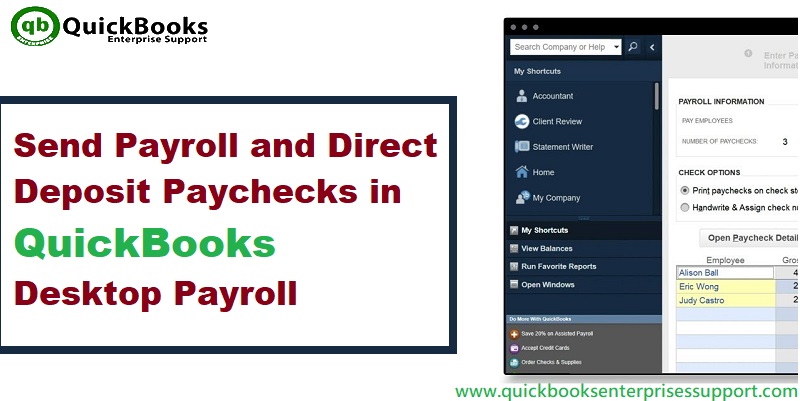
This article will give us a deep dive into the steps involved in sending payroll and direct deposit paychecks in QuickBooks desktop.
If you backed up the company file using service provided by QuickBooks online backup, then make sure to restore it through that same service.
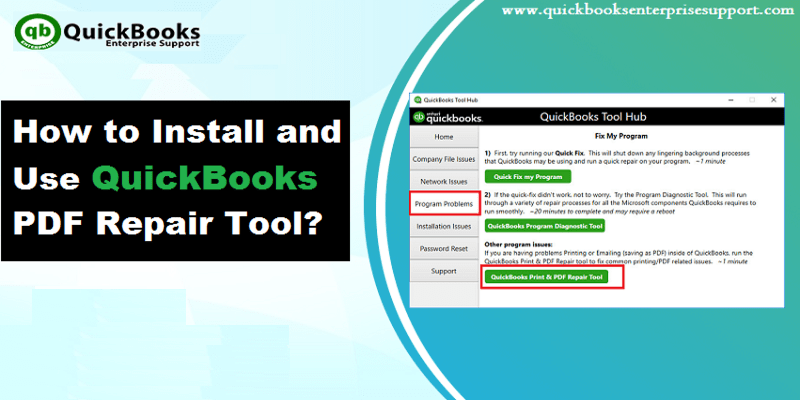
In this article, we will learn about QuickBooks PDF and Print repair tool and the errors of Pdf and printing with QuickBooks desktop.

QuickBooks Registration File Error usually occurs when there is damage in the MSXML part of the Windows of QuickBooks.
The user might face QuickBooks error 15223, when there is any kind of problem with the windows registry. Learn how to fix it.
With the file size 250 MB, QuickBooks Pro and Premier work smoothly. Once the file size touches 500 MB, the file might slow down.
Looking for the process involved in fixing common QuickBooks issues when applying a payment towards an invoice? Read on to learn how!